
v2026.6 or higher (Android)
Hold on a song title then drag it up or down to the desired position.
To sort the songs alphabetically or shuffle (random), touch the Overflow button (3 dots) top right.
Songs in the Song library cannot be reordered as they are in alphabetical order.
Older versions
iReal Pro v2025.8 or higher
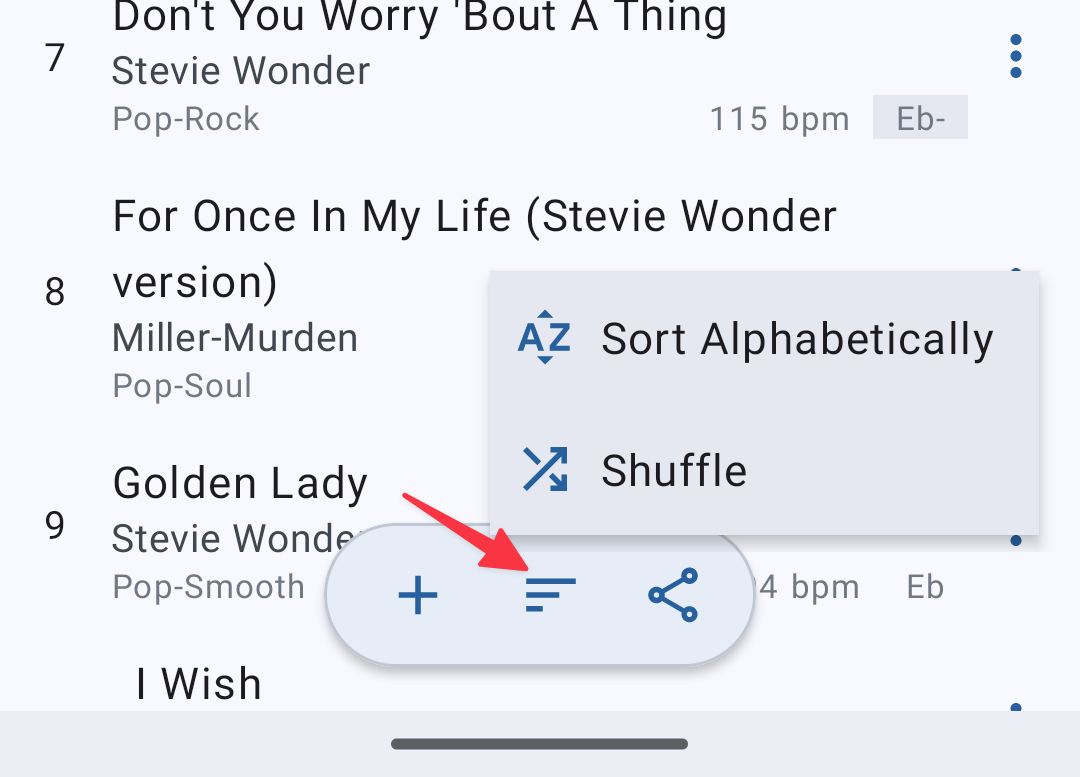
Hold on a song title then drag it up or down to the desired position. To sort the songs alphabetically or shuffle them, touch the Sort button at the bottom.
Older
- Go to a Playlist
- Hold on the song you would like to move and drag the handle (2 lines) on the right of the song title to move the song to the desired position
- Tap on X when finished

To sort the songs alphabetically or shuffle them, you can tap the Sort button on the upper right corner.