
Reorder manually
iOS 11 and higher: drag the song title up or down to reorder
Older iOS devices
- Tap on the playlist you would like to edit
- Tap the Edit button
- Drag the handle on the far right up or down to change the order of the songs
Sort
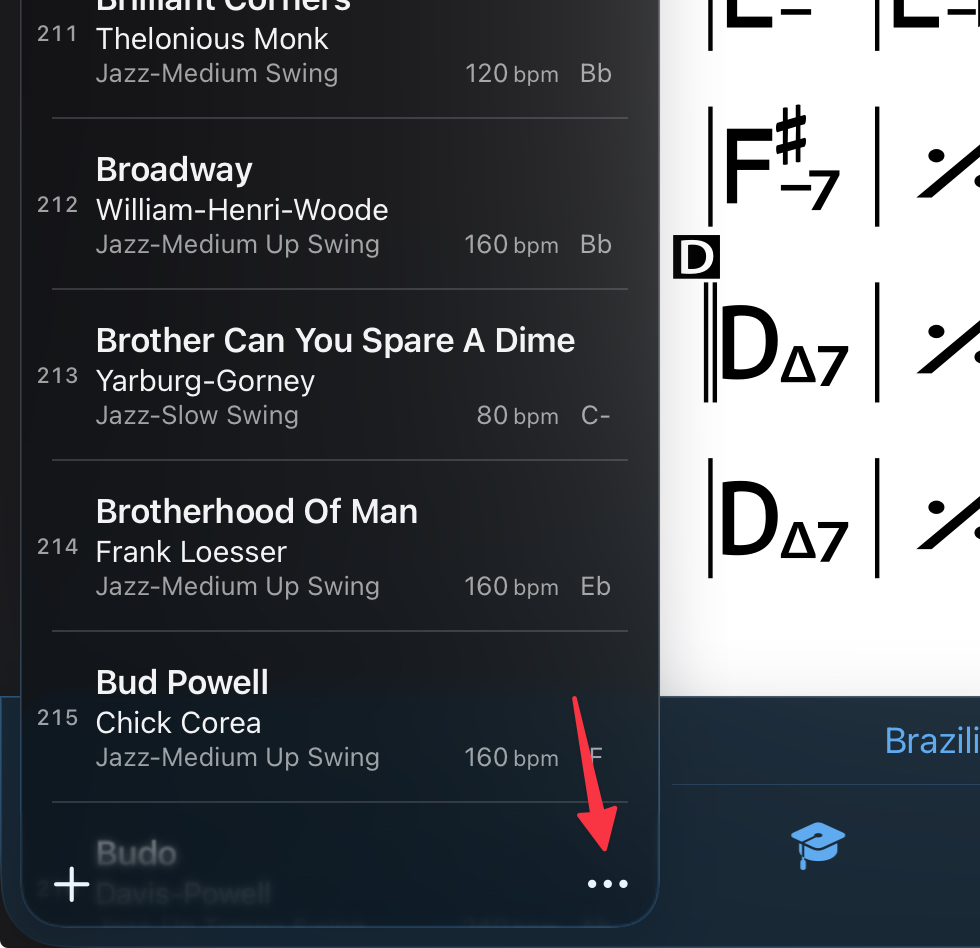
2026.6 or higher: Tap the overflow menu (3 dots)
Older versions: Tap the Sort icon (up and down arrow) in the lower right corner.
2026.6 shown
Choose from Sort alphabetically or Shuffle (random).