
Windows, Mac
Either
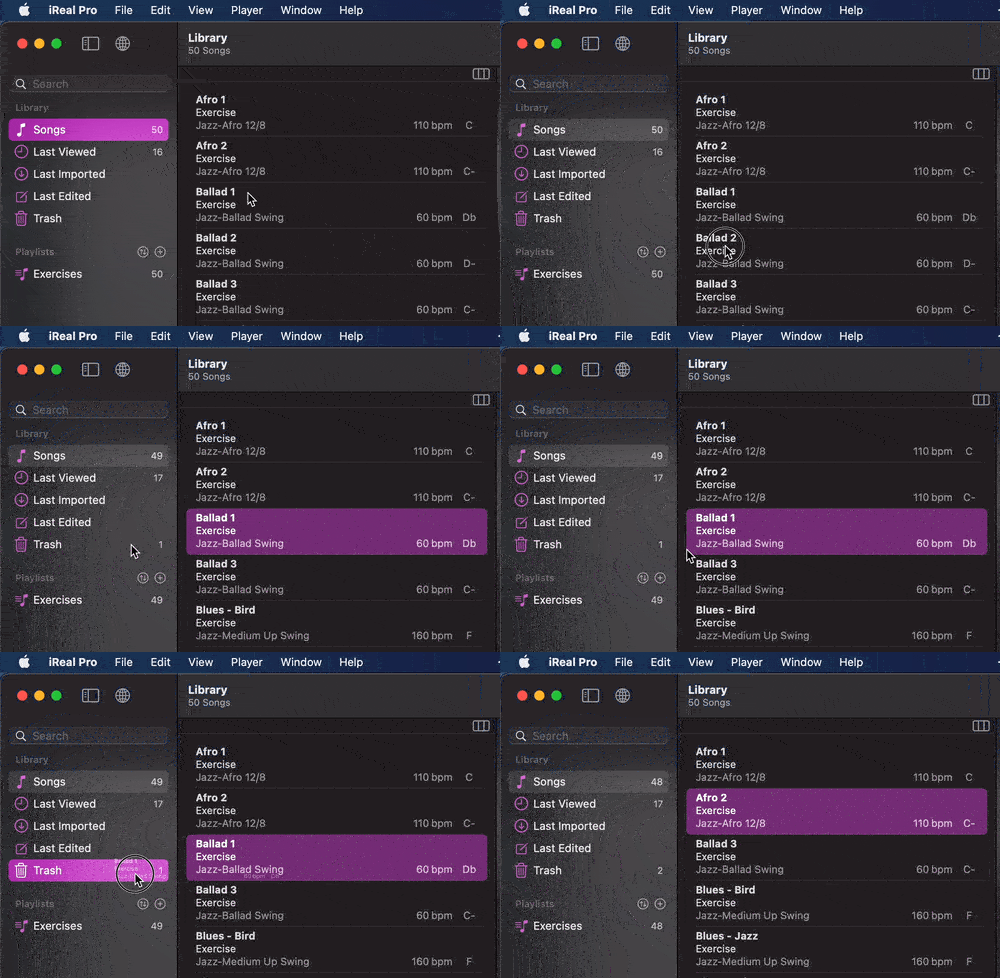
- Drag & drop the song title over the Trash to remove it from the Song library
- or Control + Click, right-click on the title and choose the option to delete
The song will disappear from any Playlists it is in. There is no undo.
The song will disappear from any Playlists it is in. There is no undo.
Need more help?