
- Mac
- Windows
Mac
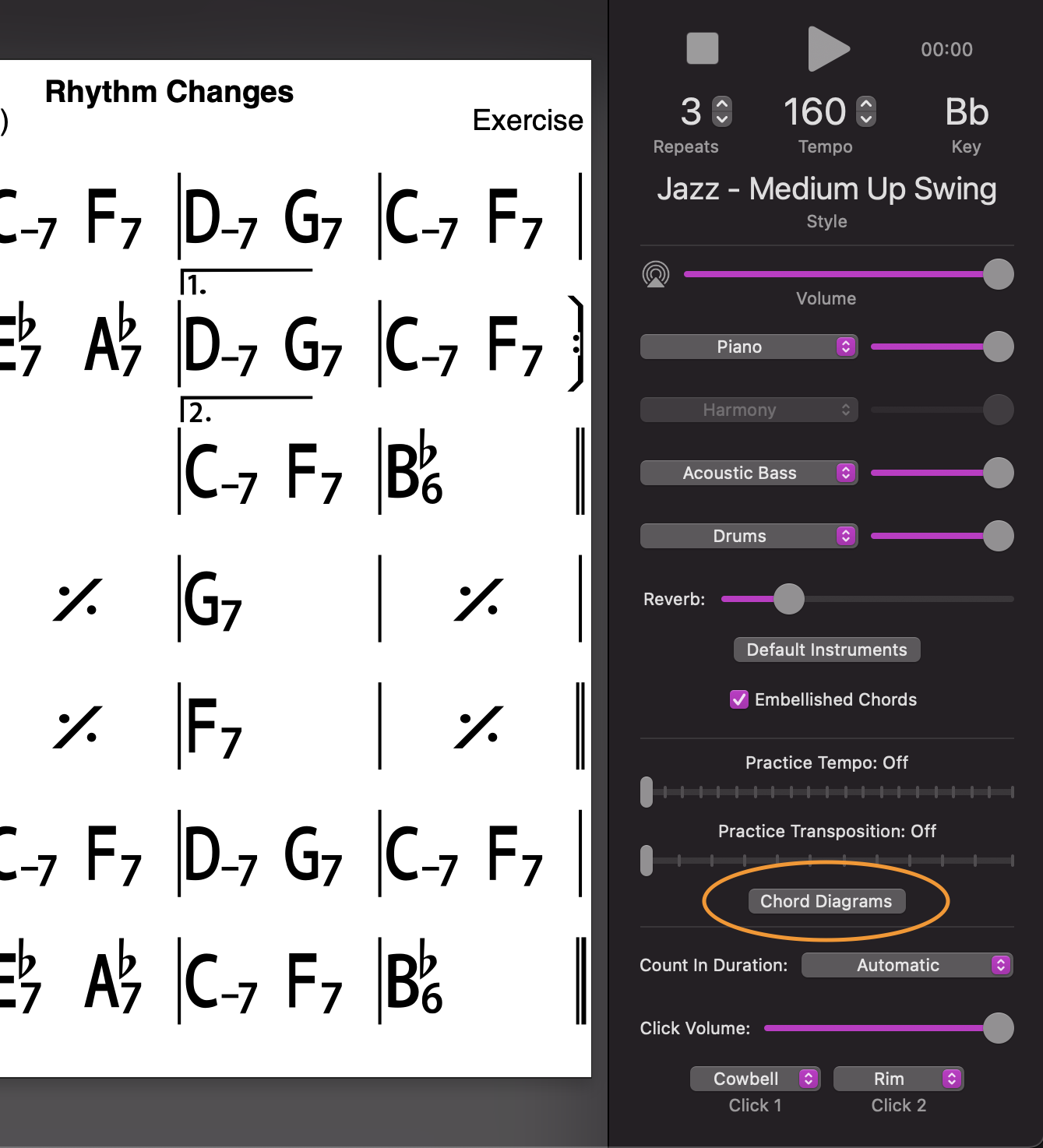
Click on the Chord Diagrams button (in Player controls, just below the Practice settings), select Piano/Guitar/Ukulele chords or Chord Scales window (more than one can show if desired) or use the Window menu (or their key commands).
Either click on a measure (the diagram(s) will show for each chord within that measure) or click Play (diagrams will show for each measure in turn as it plays).
While paused (or stopped), you can swipe on the diagrams (or click the dots below) to change the voicing/fingering for that chord (which is remembered as you play through the song).
Note: Guitar or Ukulele diagrams reversed
Windows
While playing, pause the song at the bar where you want to change the diagram.
Or click the Chord diagrams button in the Player contols (right or bottom);
Choose your instrument or Chord Scales;
Click on the bar.
Then swipe or click on the right or left to change the diagram
Note: Guitar or Ukulele diagrams reversed