
AirTurn Bluetooth pedals send key commands, so they can turn pages and start playback. Other pedals may work too, but test any pedal before you buy it.
iPhone, iPad. Pair the pedal in iOS Settings > Bluetooth, then turn it on in iReal Pro Settings > AirTurn. Tap your pedal there and choose what each switch does.


Mac. Use AirTurn's own AirTurn Manager app (Mac App Store, macOS 10.14 or later) to pick a mode and assign an iReal Pro key command to each switch: the spacebar to play, or the down arrow to move to the next song in a playlist. Set up a separate mode for each app you use, so you do not have to reprogram the pedals every time. For help with AirTurn Manager, contact AirTurn support.
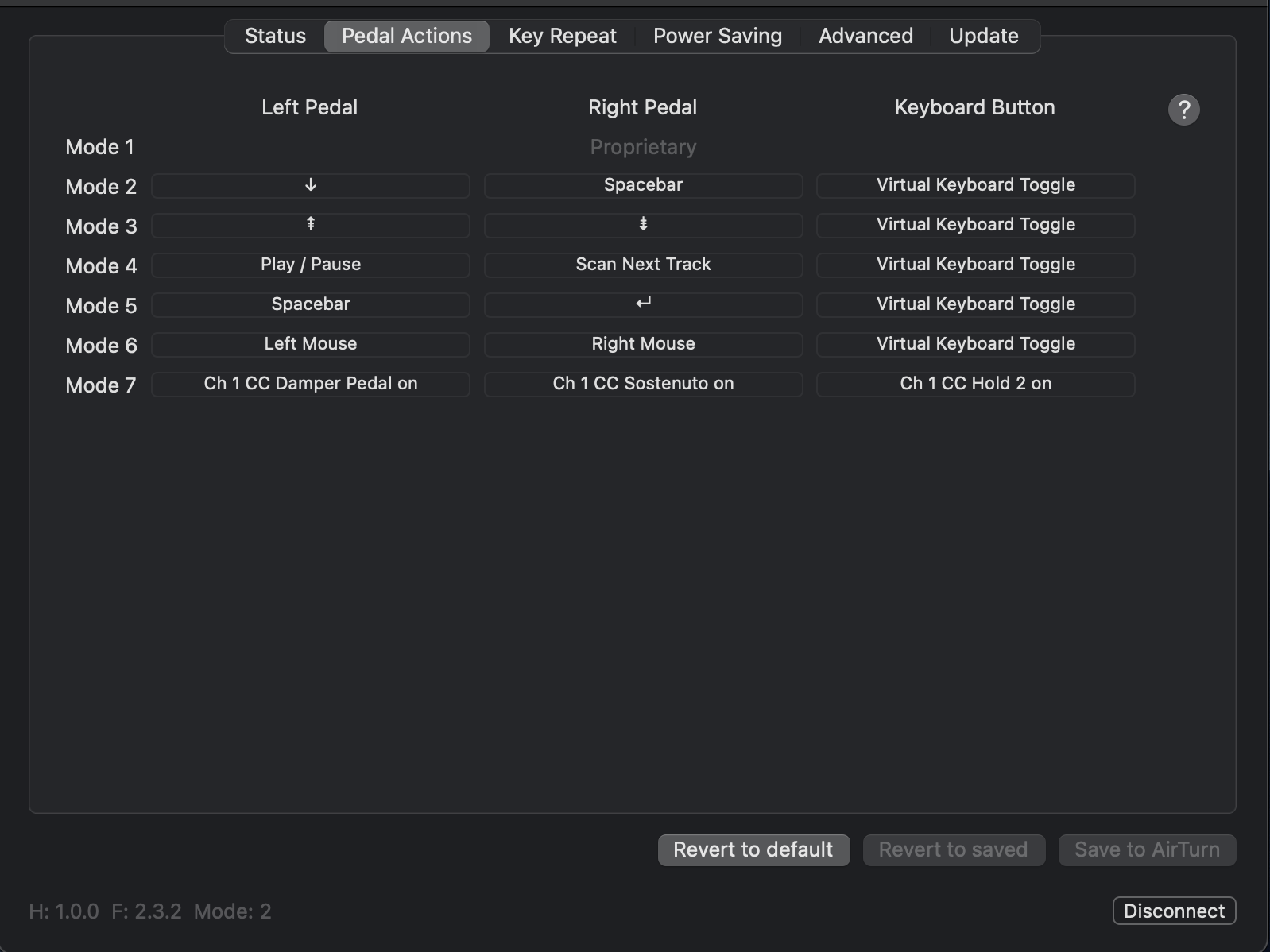
Windows. Set the pedal to send the up and down arrows for the previous and next song, and the spacebar to play.
Android. There is no built-in AirTurn support. AirTurn Manager may work with some devices.
You can also control iReal Pro with an Apple Watch.