
You need to be registered and logged in to the Forums to post a song or playlist.
- Prepare your song or playlist for uploading to the forum
- Share a song
- Share a playlist
- Post the song/playlist
1. Prepare your song or playlist for uploading to the forum
Guidelines for sharing a song or playlist
2. Share a Song
Tap/Click the Share button -> Export Chord Chart
Apple (iOS, Mac, Windows) Share button (top right)

Android Share button

Choose Export Chord chart, then Forums.

The song code is copied to your clipboard, ready to paste at the forum.
3. Share a Playlist
Information here
4. To post the song/playlist
Log in at the forum

Navigate to the relevant Songs forum area, use the Search box (top right) to find the relevant thread or song title etc.)
Tap/Click Post thread
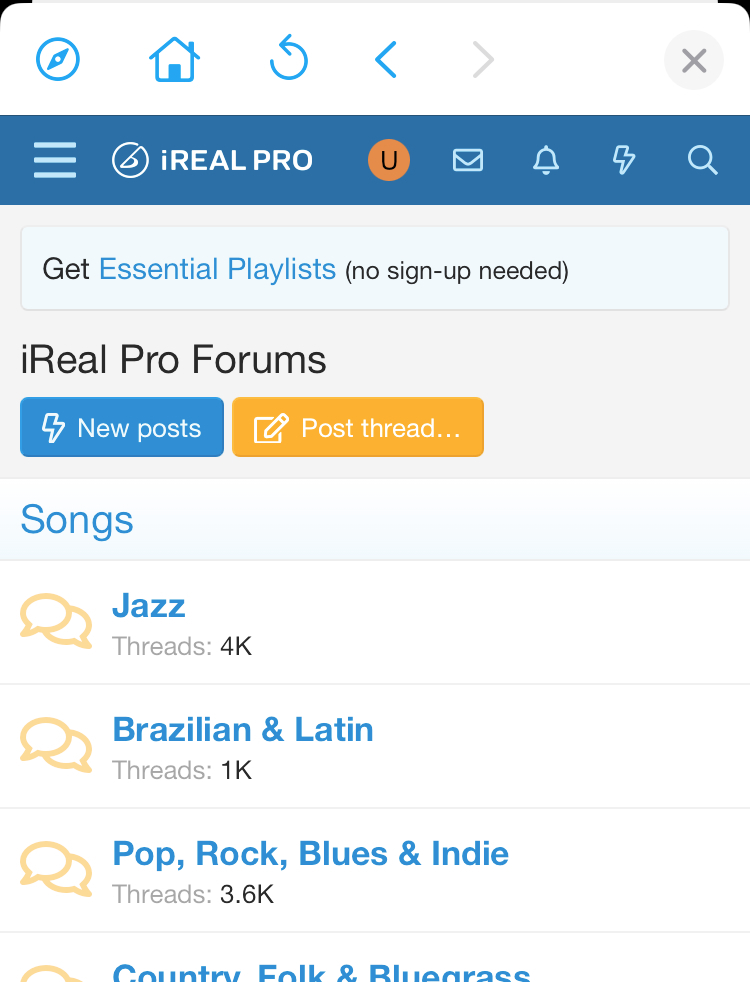
Add a title for your post, then tap and hold (or click) in the Message window.
Add information about the song/playlist (optional), for example for an individual song, you could add the song's YouTube URL, or artist name for if it is their version, band name, any relevant information for others.
Then Paste the song code.
Add any relevant tags, then Post thread