
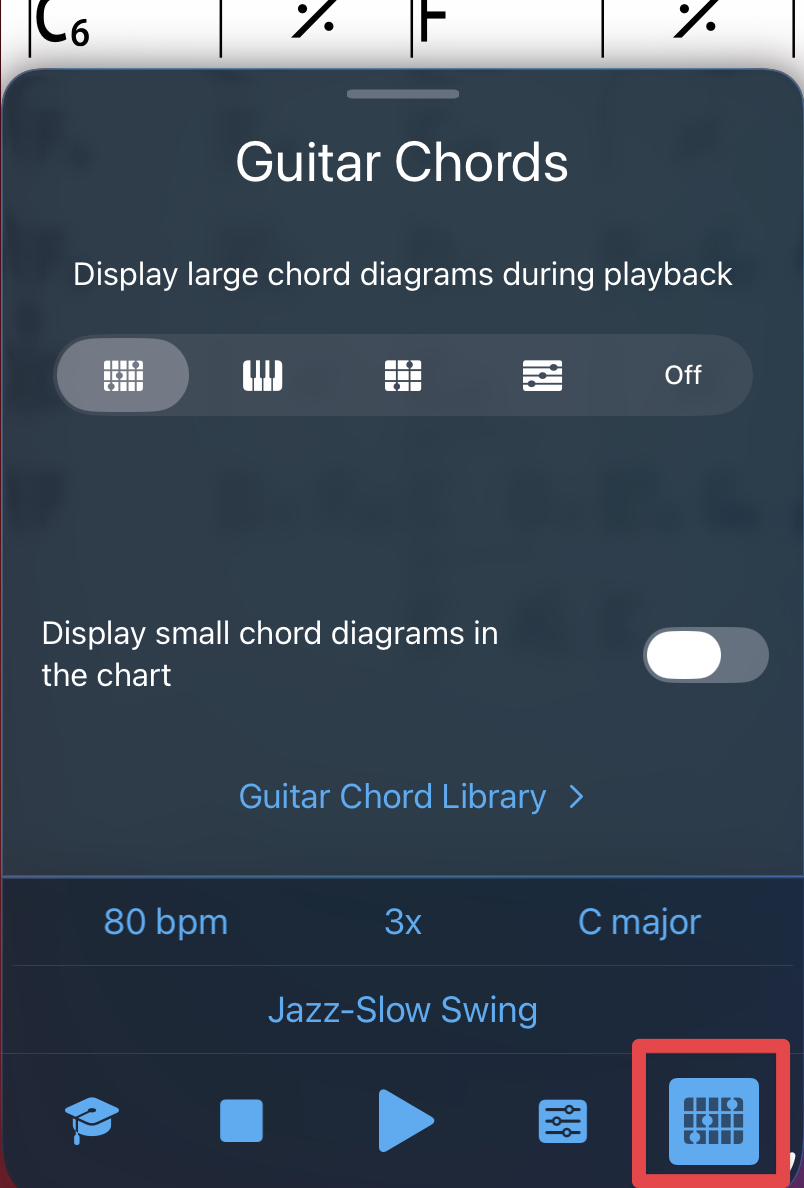
Tap on the chart to bring up the Player controls, then the bottom right icon to turn on the Piano/Guitar/Ukulele chords and Chord Scales.
After you selected the Chord diagram type, tap the bottom right icon again to hide it.
Tap and hold a measure (bar) to see the fingerings/voicing.
Example showing Piano, one hand:

Tap on the chord diagram and swipe it to the left to select a different inversion.
Example showing a one of the guitar diagrams for two chords in the bar:

Note: Guitar or Ukulele diagrams reversed