
- iOS, Android
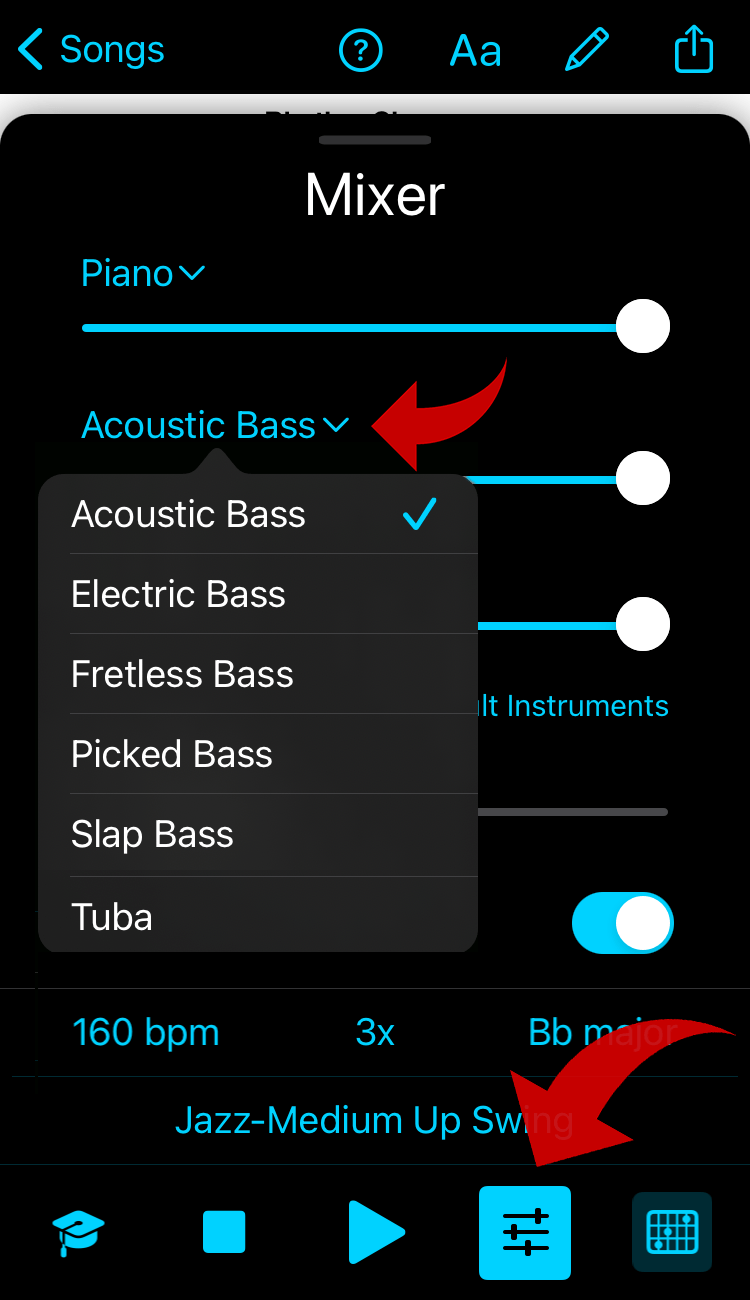
- Mixer settings
- Mac, Windows
iOS, Android
Tap on the chart to reveal the playback control.
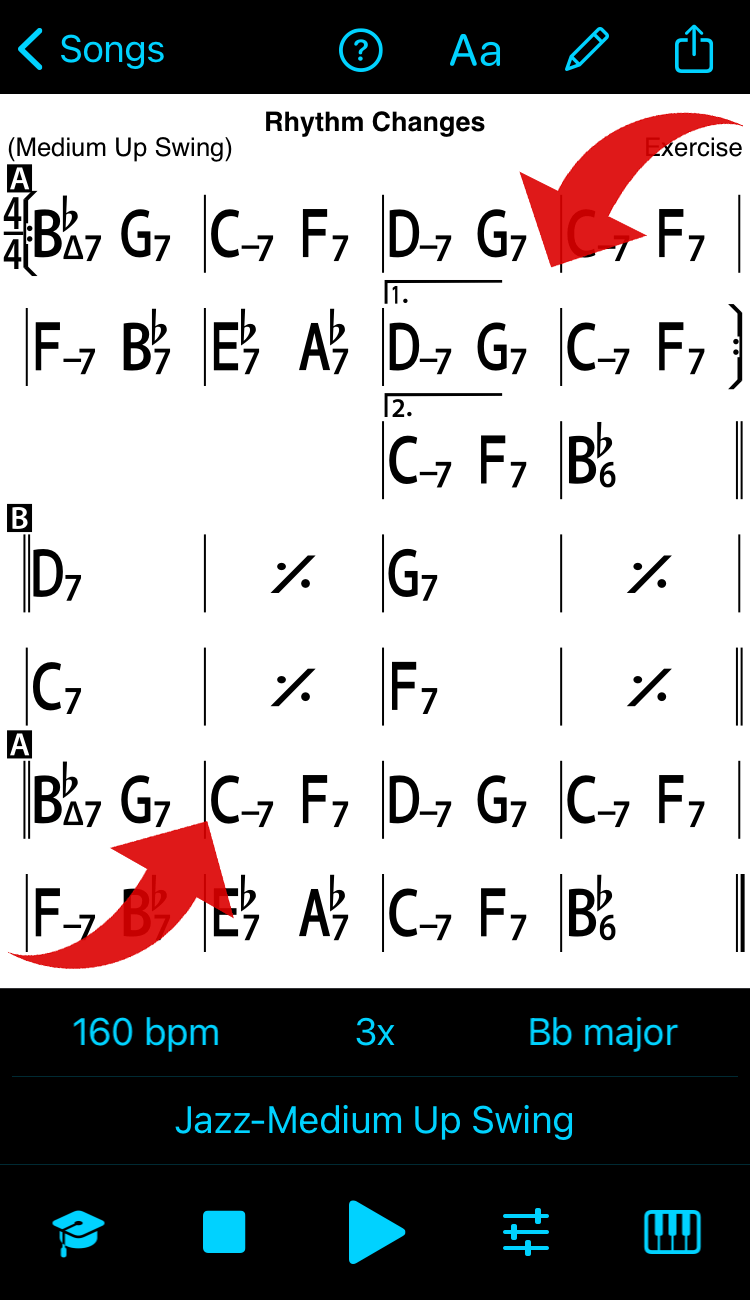
The Mixer is the second button from the right at the bottom of the Player controls.
Mixer Settings
(iOS shown)
Tap/click the playback instrument to change instruments. Use sliders for volume and the desired level of Reverb.
(Mute instruments completely by sliding the volume to the far left.)
Mac, Windows
The mixer is in Player Controls when showing in the right panel.
Mac
View menu (to show/hide) > Minimize/Maximize Player Controls, or click the Player Controls icon (top right)
Windows
View > Toggle Player controls (or click Player controls icon top right)
Click the instrument name to change instruments, use sliders for volume and reverb.
Mac version shown

Windows: click the speaker icon left of the slider to toggle mute