
You don't need to be registered or logged in to download songs.
Click on the Forums (globe icon)

Windows - top left
Mac - top left corner of the iReal Pro window (if you do not see the left panel Sidebar, View > Show Sidebar)
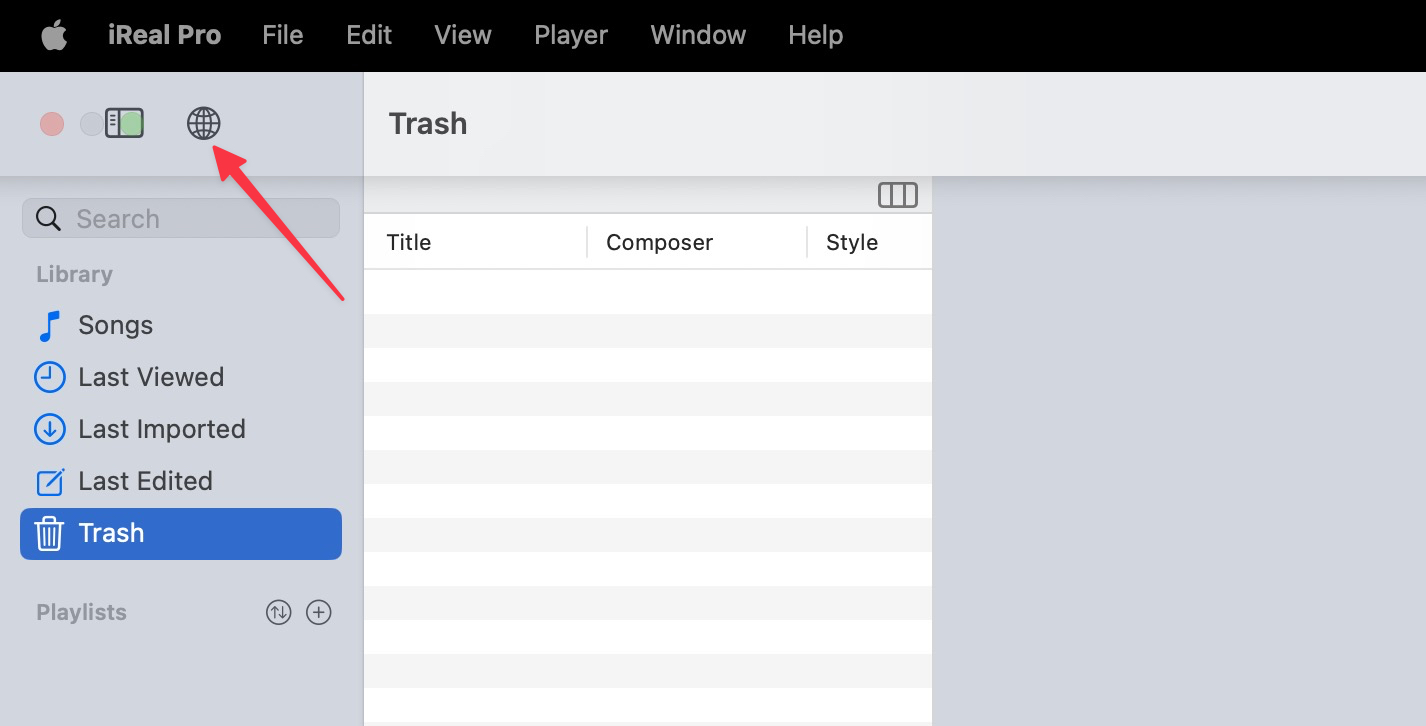
This will open the forums in your default browser where you can choose a music genre (Jazz, Pop, Latin...)
Or click to Get Essential Playlists at the top.
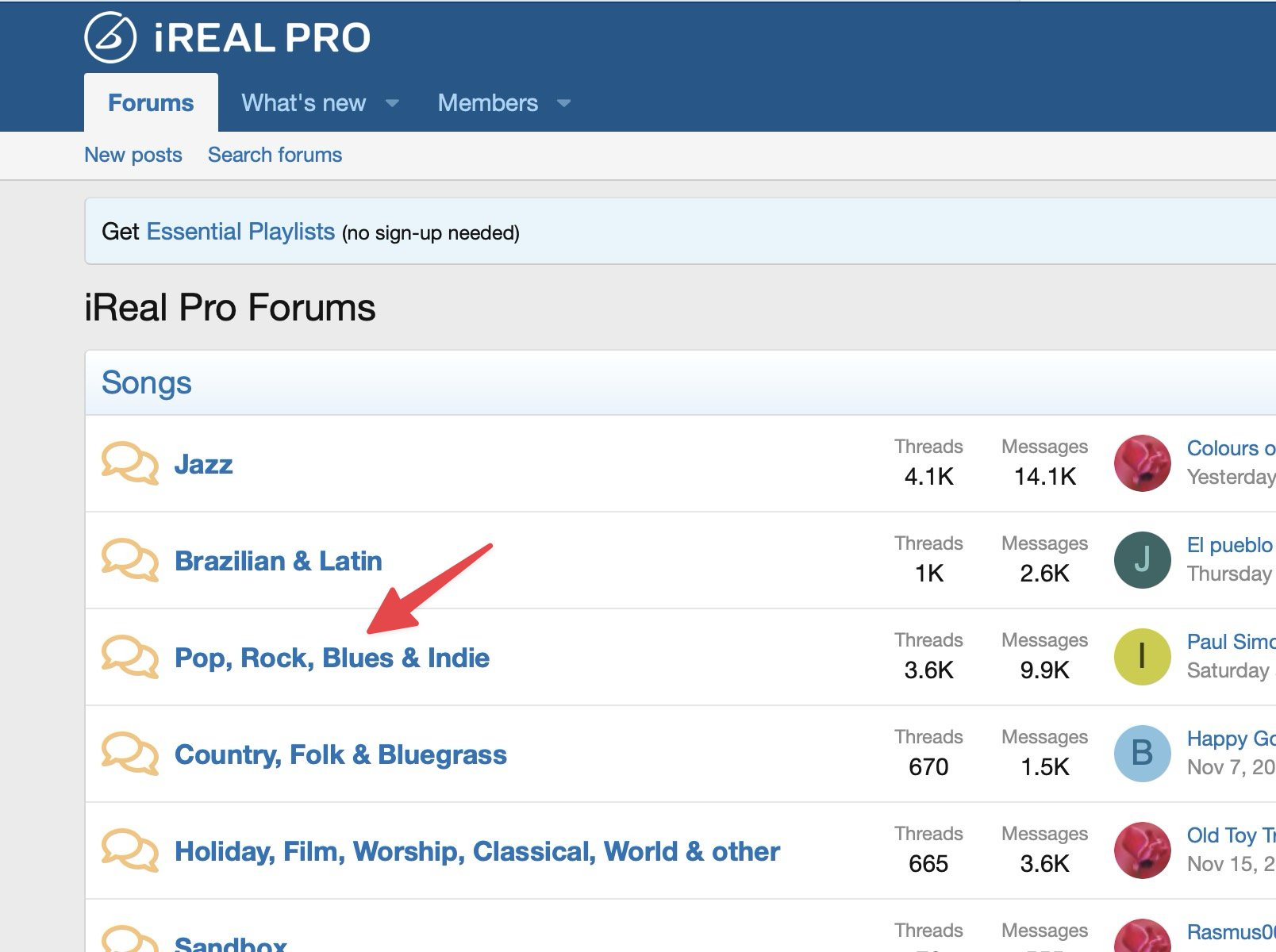
For example, to download the Pop 400 playlist, click the Pop, Rock, Blues & Indie genre forum area.
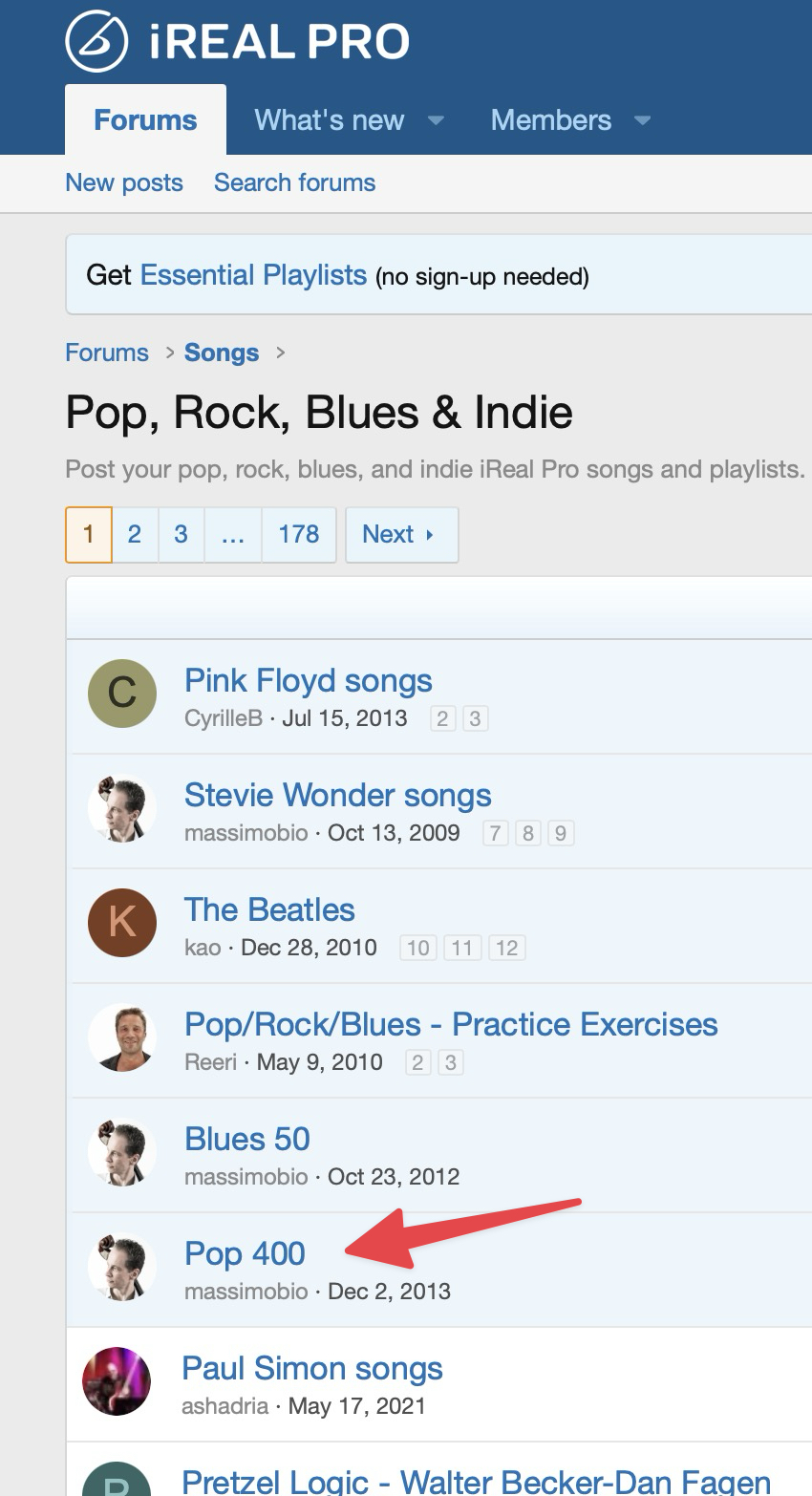
Click the Pop 400 thread.
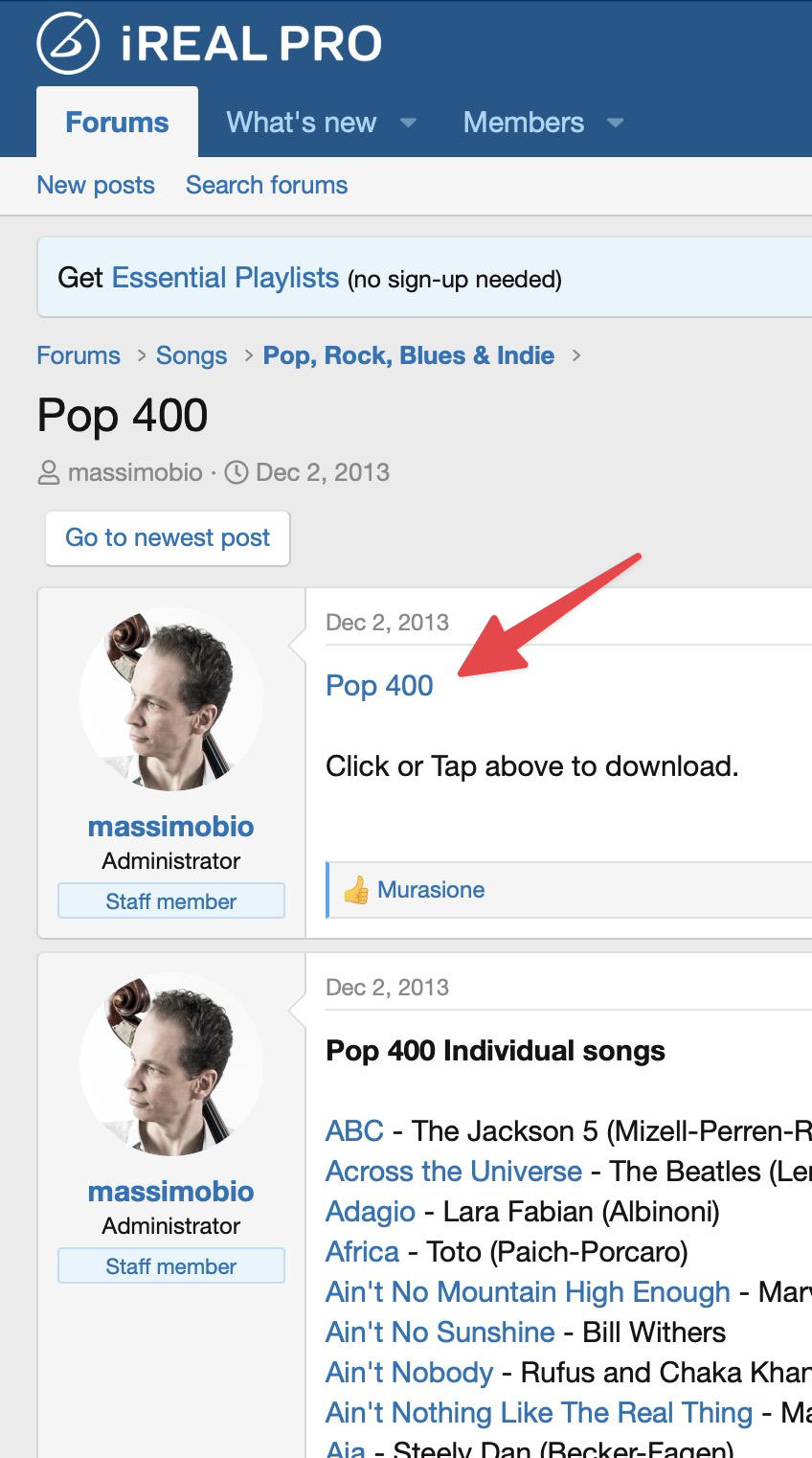
Click on the playlist link in the post.
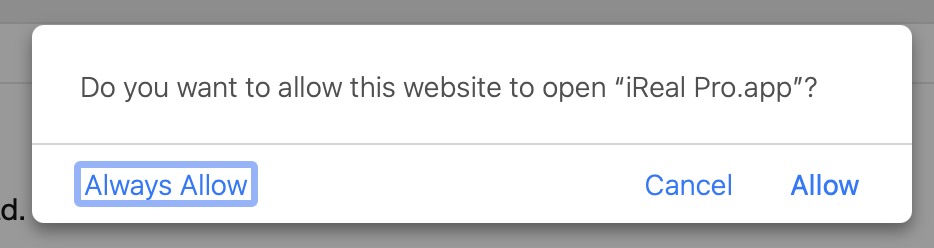
If you see this message, click Always allow/Allow so the songs can be imported.
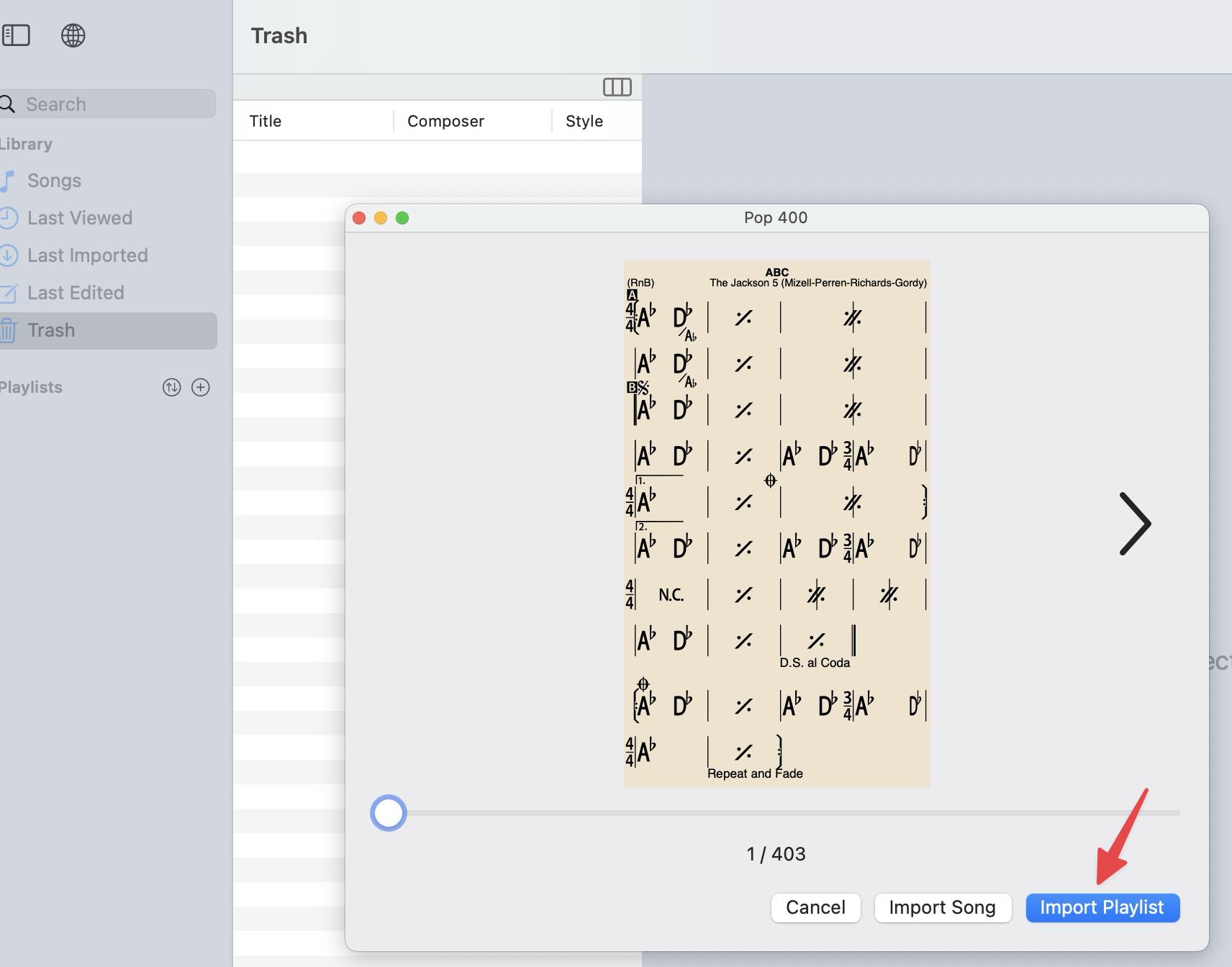
The Import Preview window will open. Click Import Playlist.
(Alternatively for any Playlist, you can click on the arrows to see each individual song in that Playlist to see the songs it contains; or to import the individual song showing.)
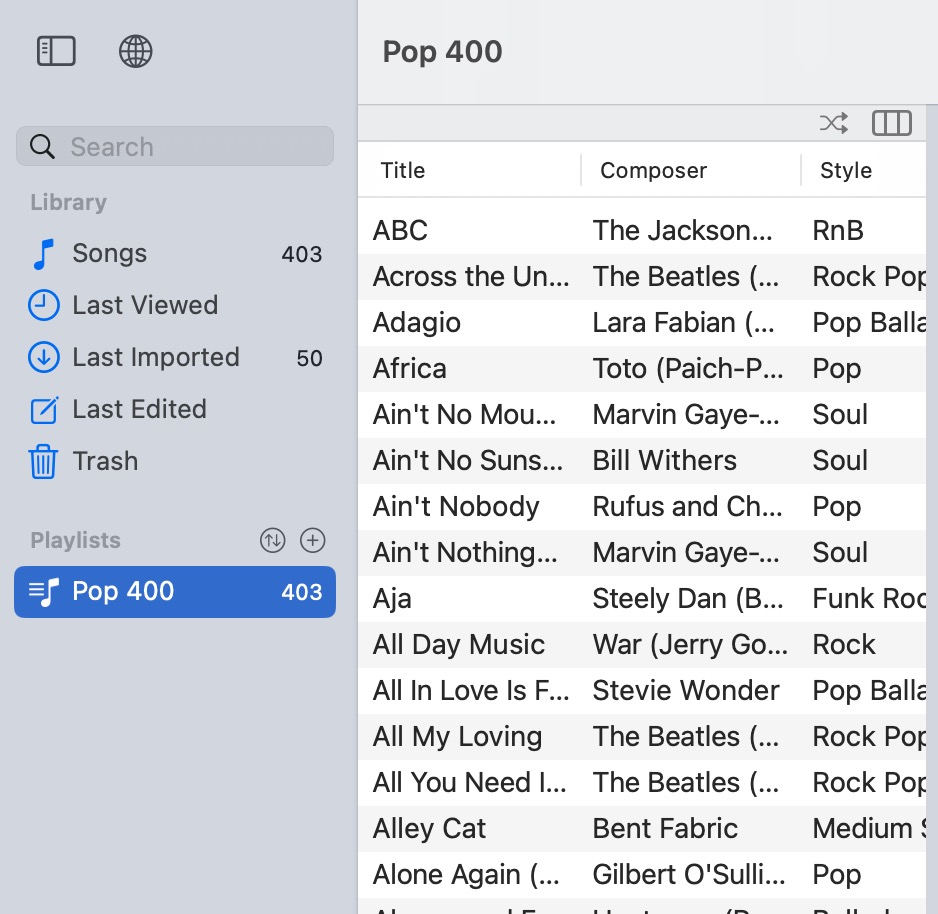
The playlist will list in the Sidebar (Mac version shown)
Show left sidebar
(use icons or key commands) or
Mac: View > Show Sidebar
Windows: View > Toggle sidebar
How to search for song titles, composer, band etc.