
There are two easy ways to add an intro to your song.
Option 1
The ending of the song works as an intro
Tap/click and hold on a measure (for example 4 or 8 measures from the end of the song), then tap/click in that measure (Play arrow).
(For Mac, Windows double-click the measure or click the measure, press Spacebar.)
Add one chorus to the total count as the first chorus will be the one that serves as an intro.
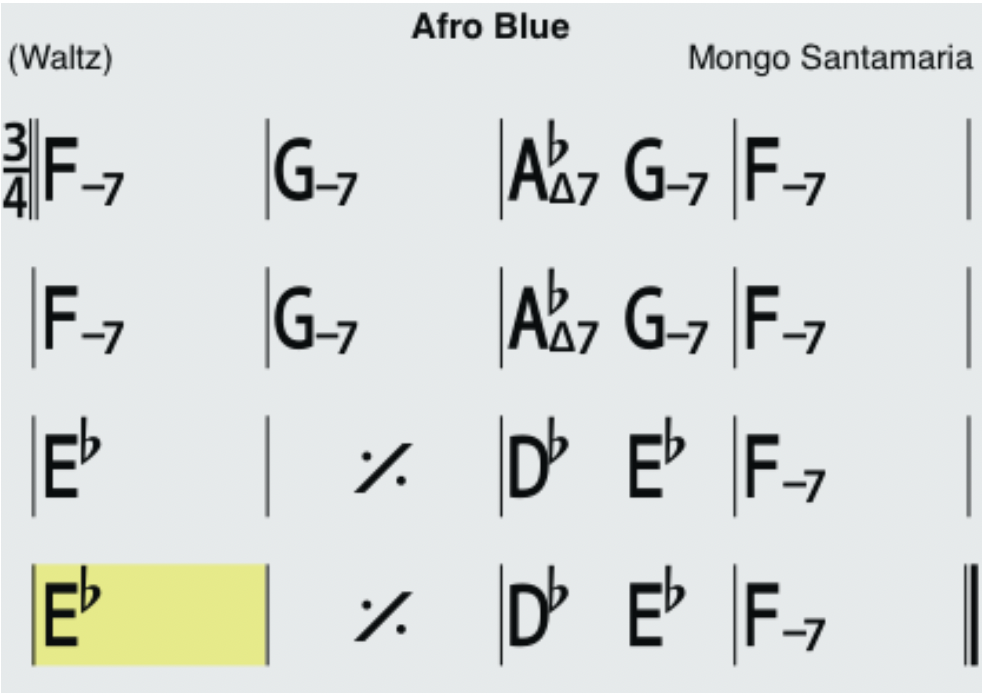
Option 2
Edit the song Insert space at the beginning of the chart and enter the chords for the intro.
Either insert the necessary space before your first bar at the top of your chart, tap/click the 'Insert space' button. For example to add 4 bars, you need to tap the 'Insert space' button 16 times (4 spaces x 4 bars).
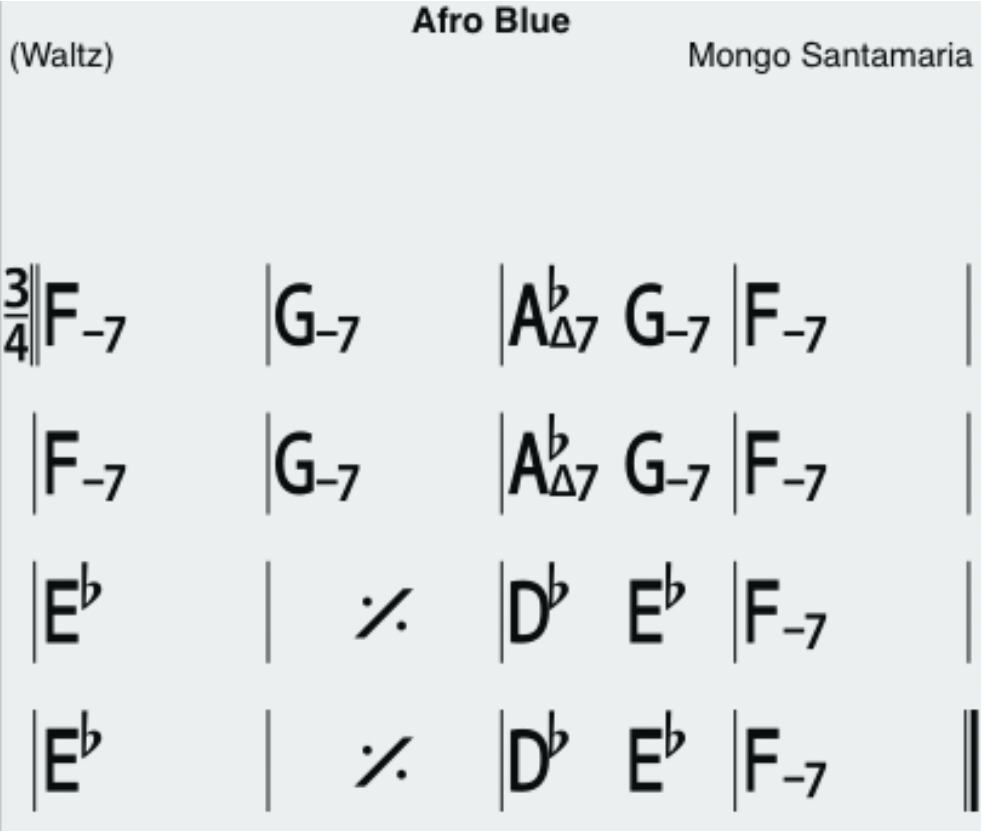
or select the number of spaces/measures you want to insert at the first system, then choose the Insert space option.
Android information here
iOS information here
Mac, Windows information here
iReal Pro currently only allows 12 systems (12 lines) of chords. By adding an extra system at the top, any systems after 12 will disappear. If so, delete space to reduce the number of systems first to make room.
Then add your time signature, bar lines (start and end with double bar lines) and rehearsal marks ('in' for the intro and 'A' for the song in case it wasn't there already). Don't forget to remove the time signature from the 'A' section by tap/clicking on the same time signature in the Editor.
