
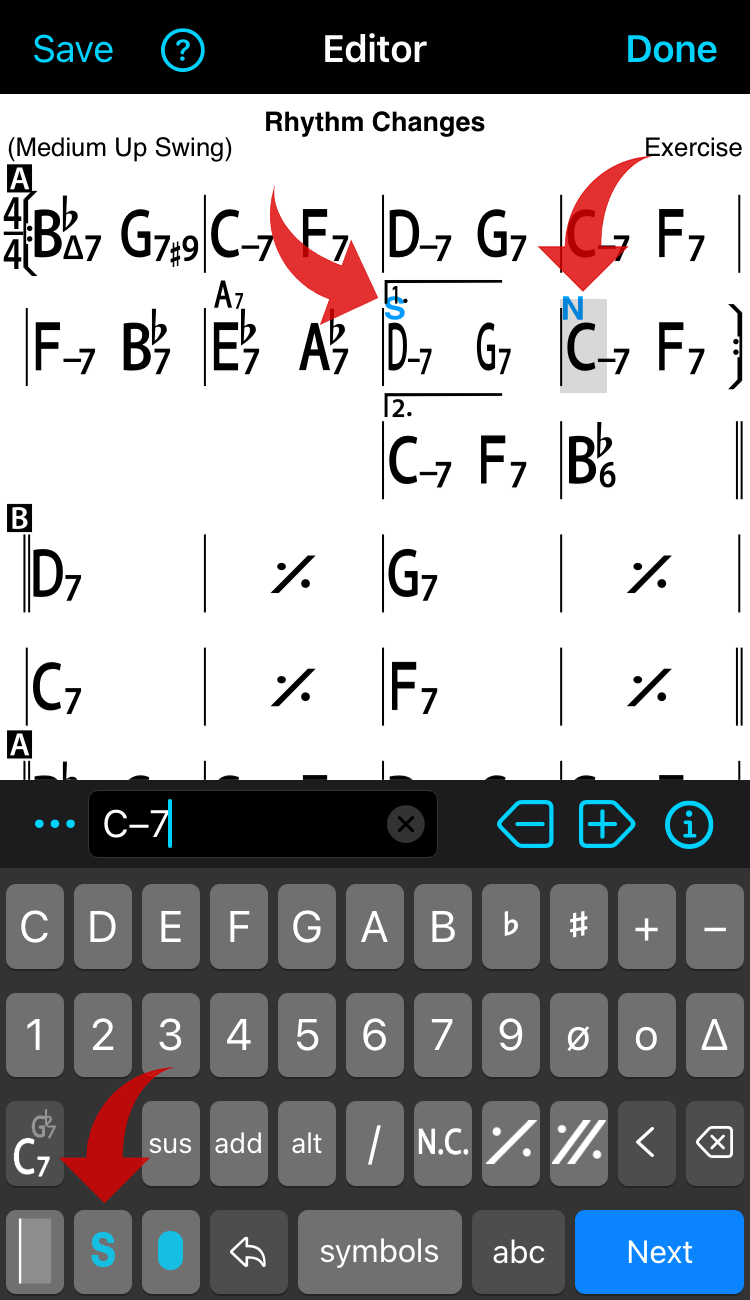
There are two font sizes, Normal and Small as shown below. This is part of the editing and input process.
In the Editor, tap/click the ‘S’ (small) or ‘N’ (normal) buttons to change the size of the chords at the current position until the next chord size marker.
- iOS, Android
- Mac, Windows
iOS, Android
The button toggles between N and S
Mac, Windows
Click the N or S button at the top next to the chord input field
