
You don't need to register or log in to download songs.
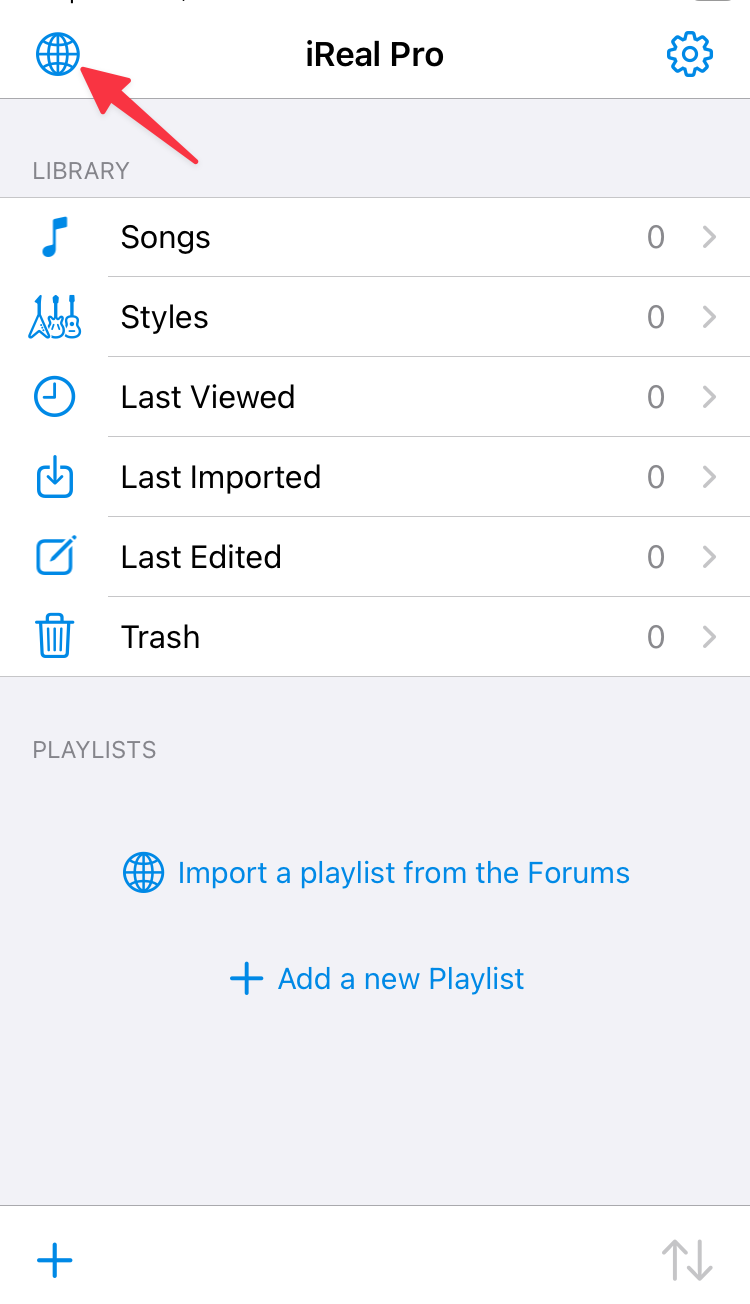
1. Tap the Forums button (globe icon).
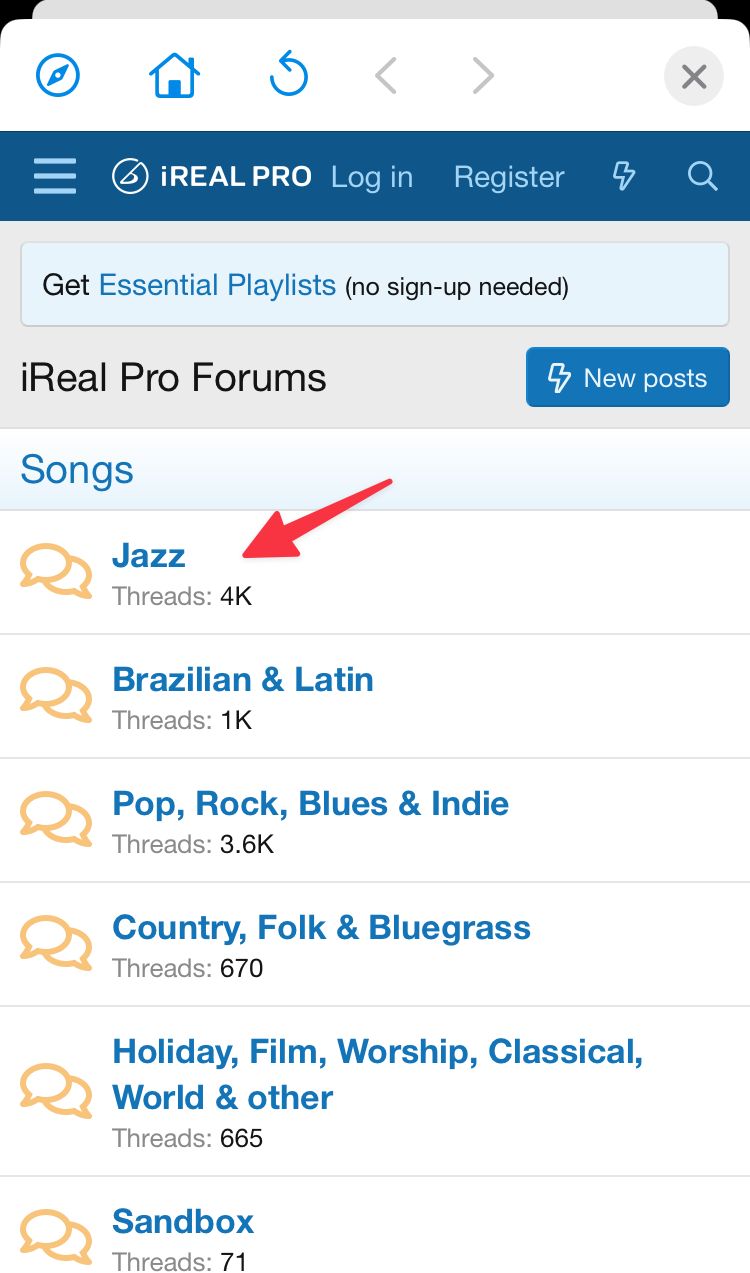
2. Choose a music genre (Jazz, Pop, Latin...), or tap Essential Playlists to import one of our curated collections.
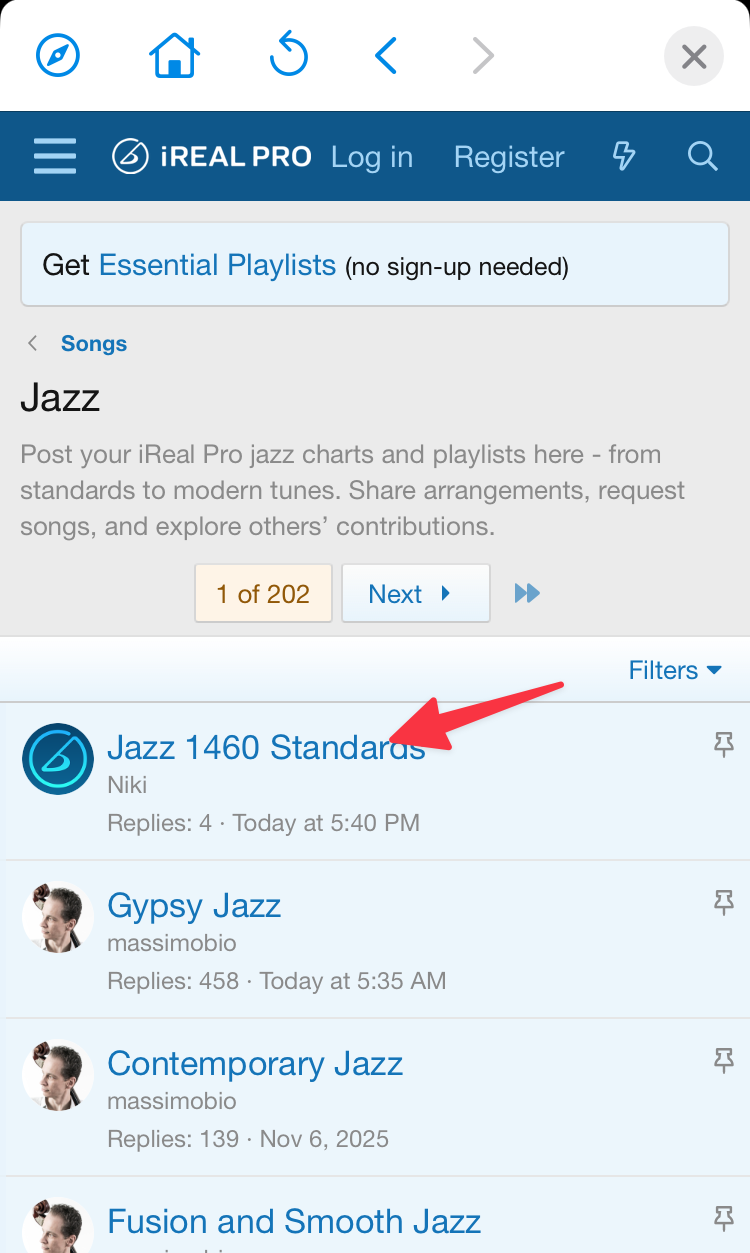
Example: to download the Jazz 1460 Standards playlist, tap the Jazz genre.
3. Tap the thread with the playlist or song you want.
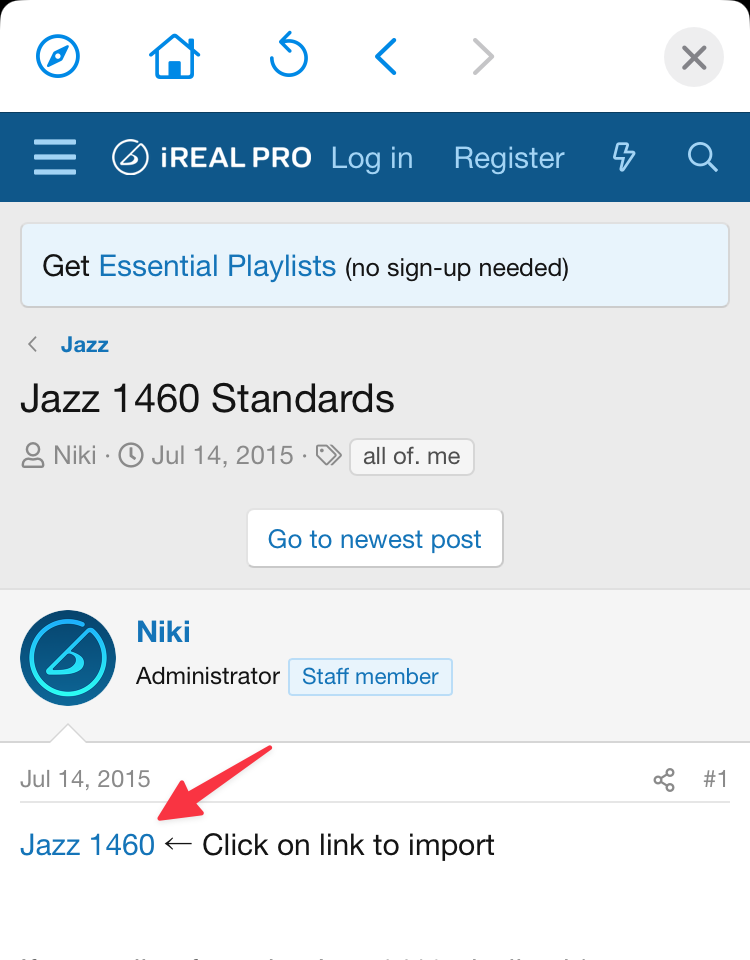
4. Tap the playlist (or song) link in the post to import it.
5. In the Import Preview window, use the slider to preview the songs, then tap to import a single song or the whole playlist.
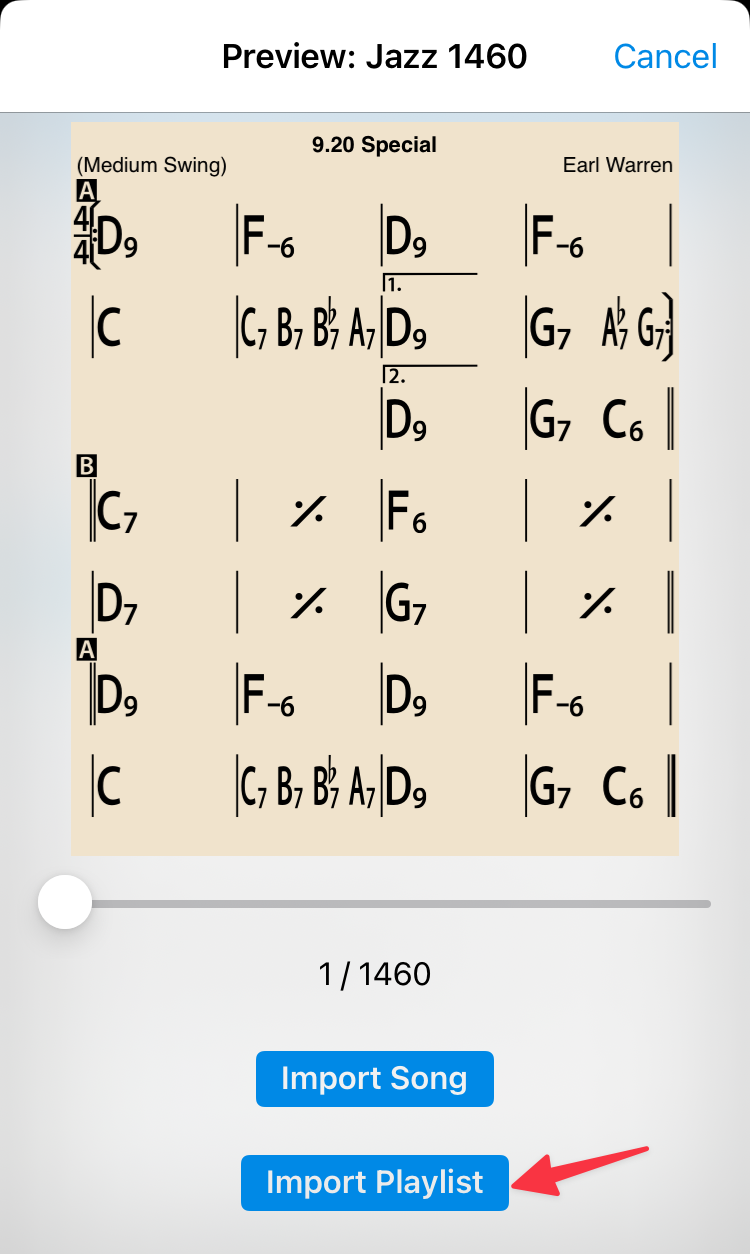
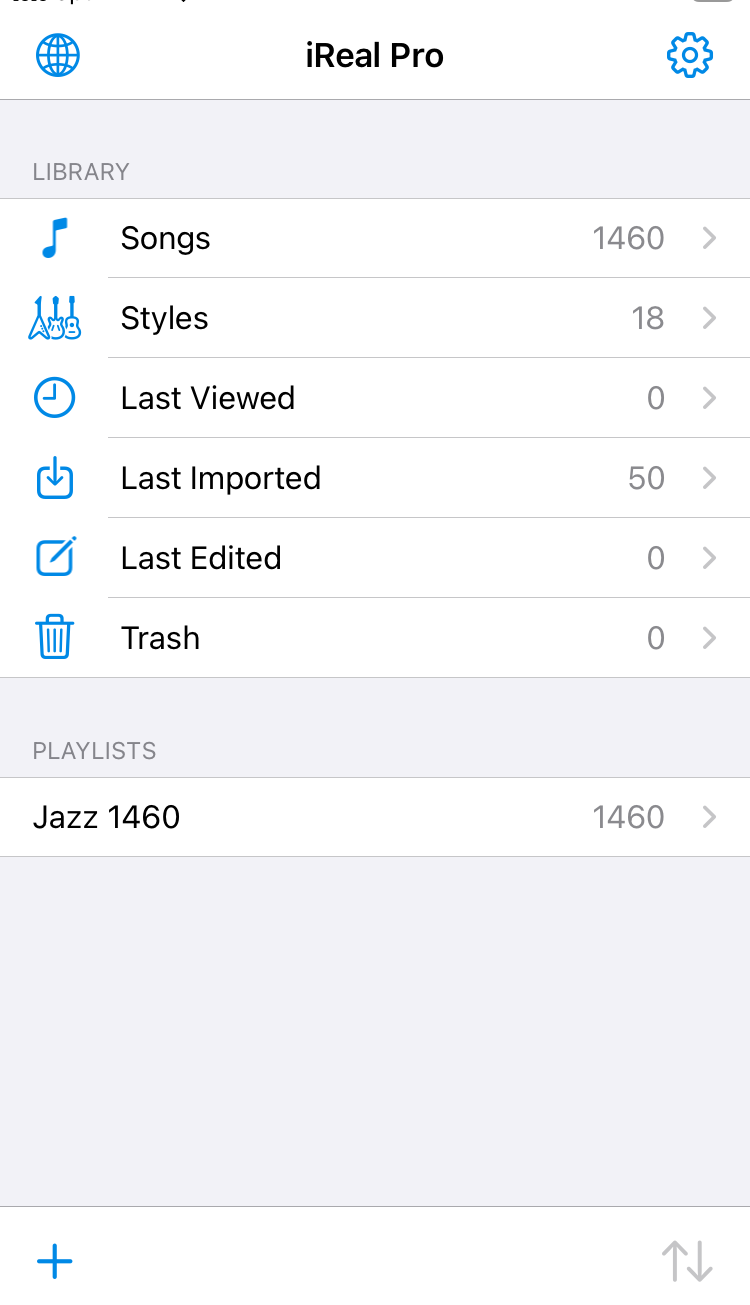
6. The playlist and its songs are added to your library. A single imported song appears in your Songs library, and everything you import also shows under Last imported.
To close the Forums window:
iOS: tap X (top right)
Android: tap the Back arrow (top left)
Looking for a specific song? See Search for a song in the iReal Pro Forums.